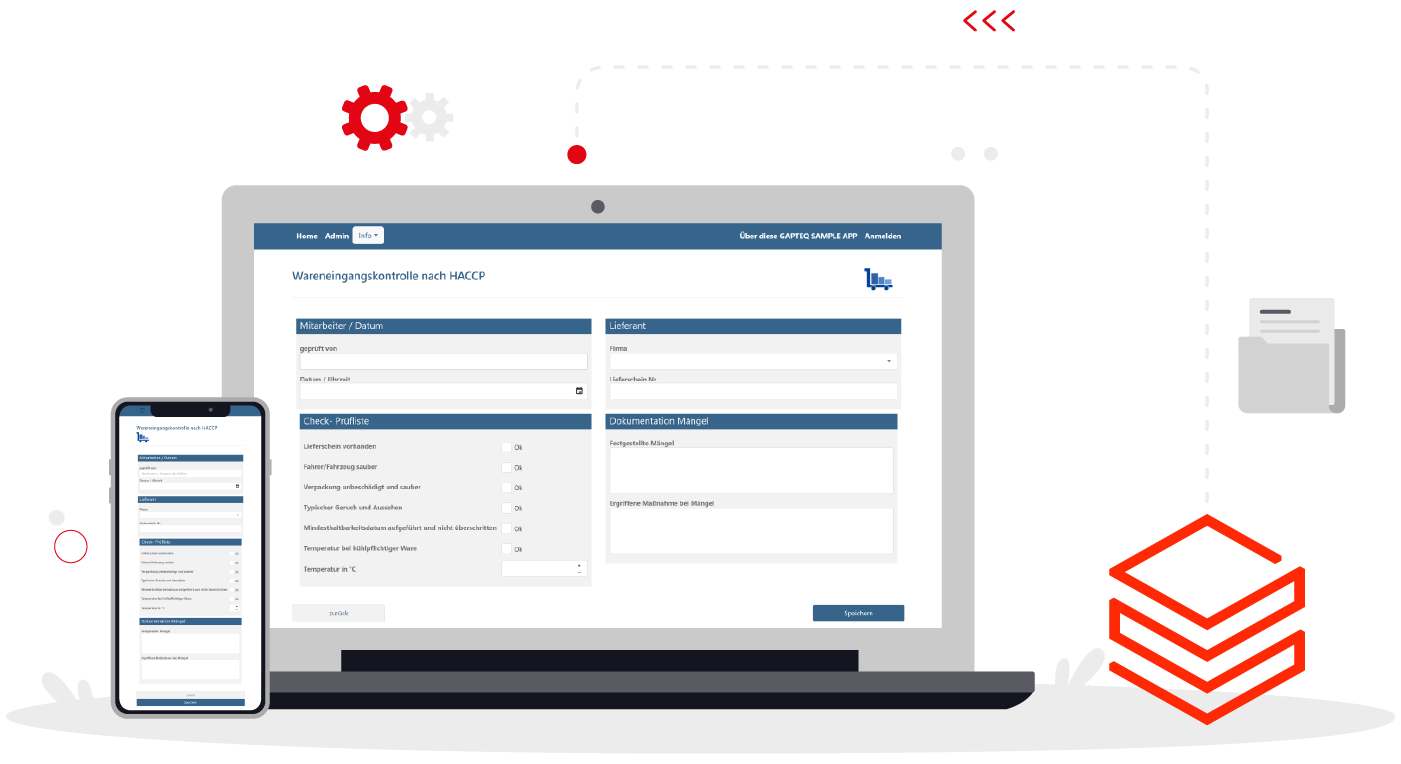
GAPTEQ - the quick and easy way to build database-based frontends
Switch to the fast lane with low-code and easily build your own applications:
With GAPTEQ, developing individual web applications with SQL database access becomes part of everyday life.
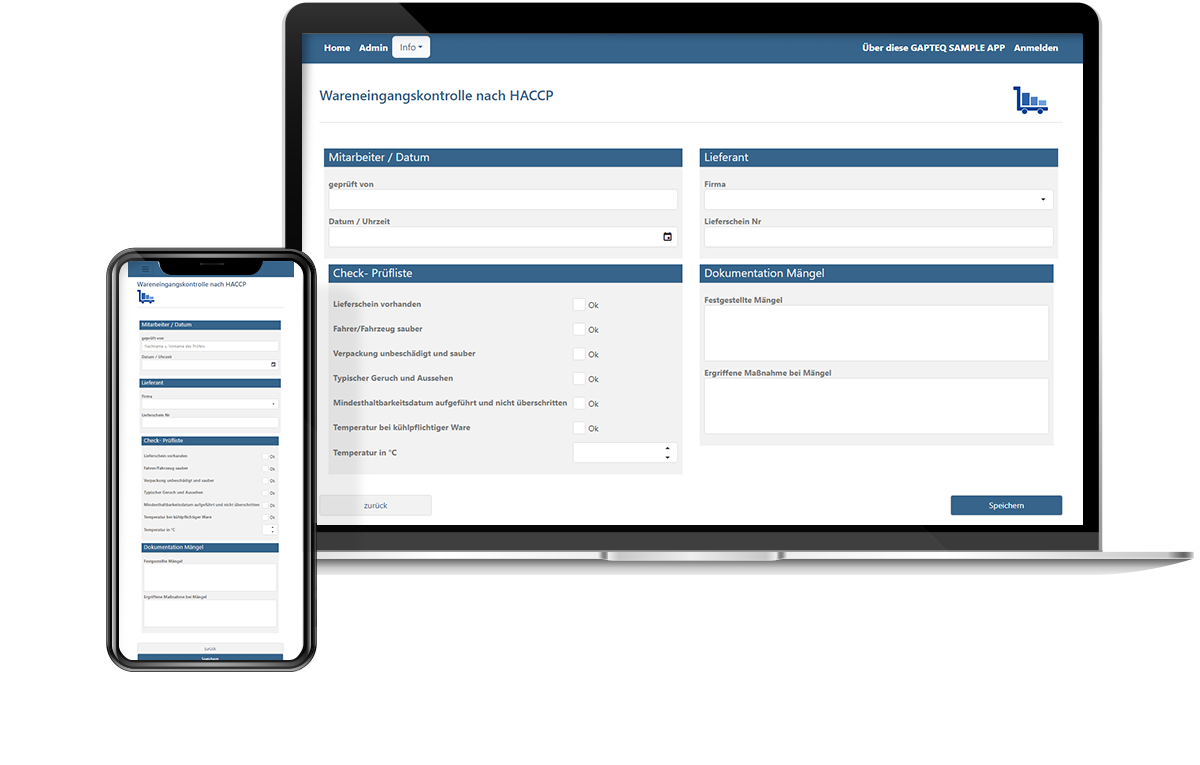
Low code meets Databricks - efficiently design data-driven applications
Access structured data in your Azure Databricks environment directly with GAPTEQ: with interactive forms and individual web applications. User-friendly data maintenance, validation or release. Without exports. Without detours.
Simply develop professional applications and use data where decisions are made
Databricks is the lakehouse platform for central data models, modern data processing and analyses. With GAPTEQ, you can bring this data into your day-to-day operations: user-friendly and role-based with individual web applications.
Quick & ready for quick-time use
Connect your Azure Databricks environment directly and create user-friendly applications in record time thanks to low-code technology. Your next application is ready to use in just a few clicks!
Direct access to Delta Tables
Access your data in managed delta tables with GAPTEQ - without any additional export processes or complex intermediate solutions. The connection is web-based via defined endpoints.
Flexible & future-ready solutions
Create your individual applications that adapt flexibly and reliably to your requirements, even if these change over time. Without compromise.
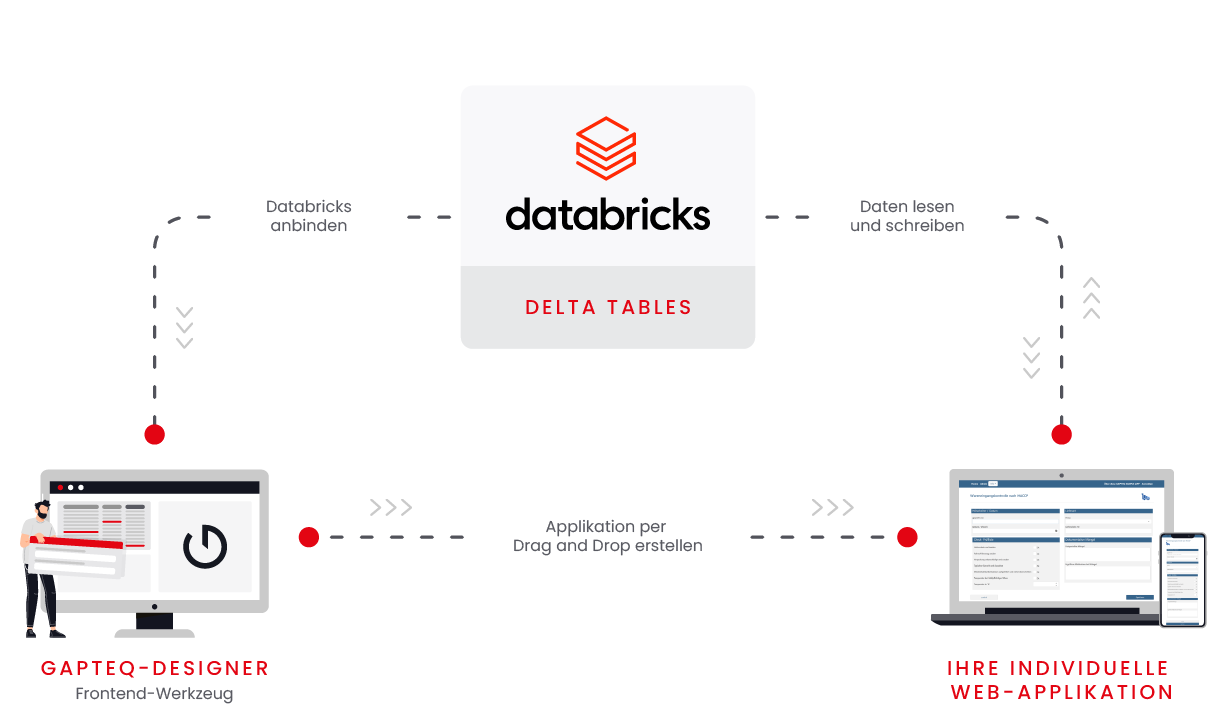
From Databricks to your ready-to-use application in a few simple steps
GAPTEQ x Databricks:
Application examples
Data enrichment & maintenance for the specialist department
Databricks creates customer segments, for example, and GAPTEQ makes these editable for specialist departments. This means that planned measures, responsibilities or additional information can be added directly in the browser - without Excel lists or media disruptions. All changes flow directly back into Databricks.
Commenting & quality assurance
Analysis results such as conspicuous invoices or anomaly lists can be checked, commented on and approved in GAPTEQ. This creates a central interface for validation and quality assurance. Everything including processing history and documentation.
Forecasting & manual estimates
Databricks provides calculated forecasts, for example on turnover or sales volumes. In GAPTEQ, sales teams or other specialist departments can supplement these with manual estimates. For a combination of data model and human experience.
Campaign control & target group approval
Databricks suggests target groups for marketing campaigns. Using GAPTEQ, specialist departments can decide directly which leads or customers are activated. This allows teams to retain control over the implementation of analysis results - without IT effort.
Role-based workflows & approvals
From discount proposals to budget approvals: GAPTEQ adds role-based approval and decision-making processes to Databricks. Workflows can be clearly defined, decisions are documented and automatically forwarded to the right people.
Start now for free!
Start now with your individual low-code application and get more out of your Azure Databricks data! The predefined components make it particularly easy to build your first own application. Test us with your own individual project. Register now for free!
Try GAPTEQ free for 30 days & then decide what to do next!
Your questions. Our answers.
Databricks is a cloud platform that enables companies to analyze and process large amounts of data and use it for artificial intelligence (AI) and machine learning (ML). It serves as a central layer for collecting and processing data from various sources and making it available for a wide range of use cases. Put simply, Databricks is like a toolbox for data science and data analysis.
GAPTEQ accesses managed Delta Tables within Azure Databricks. This allows you to work directly with the structured data, display it, edit it, add to it... In principle, GAPTEQ can access all delta tables managed in Azure Databricks. If desired, however, this access can be specifically restricted: for example, only certain tables or data areas can be released for defined applications or specialist areas.
The connection is made via a secure, web-based API. GAPTEQ makes requests to defined endpoints in Azure Databricks and can therefore use both read and write data as required.
No. With GAPTEQ, you can create applications, forms and screens that access Databricks data without programming. This means that specialist departments can also work independently with up-to-date data.
For all companies that use Azure Databricks as a central data platform and want to use this data in a practical way. Specialist departments that work with current data, need to supplement or comment on it - for example in sales, controlling, service or product management - will benefit in particular. Data engineers and IT teams can thus provide data models without having to develop interfaces themselves - GAPTEQ takes over this part and makes Azure Databricks data directly usable.