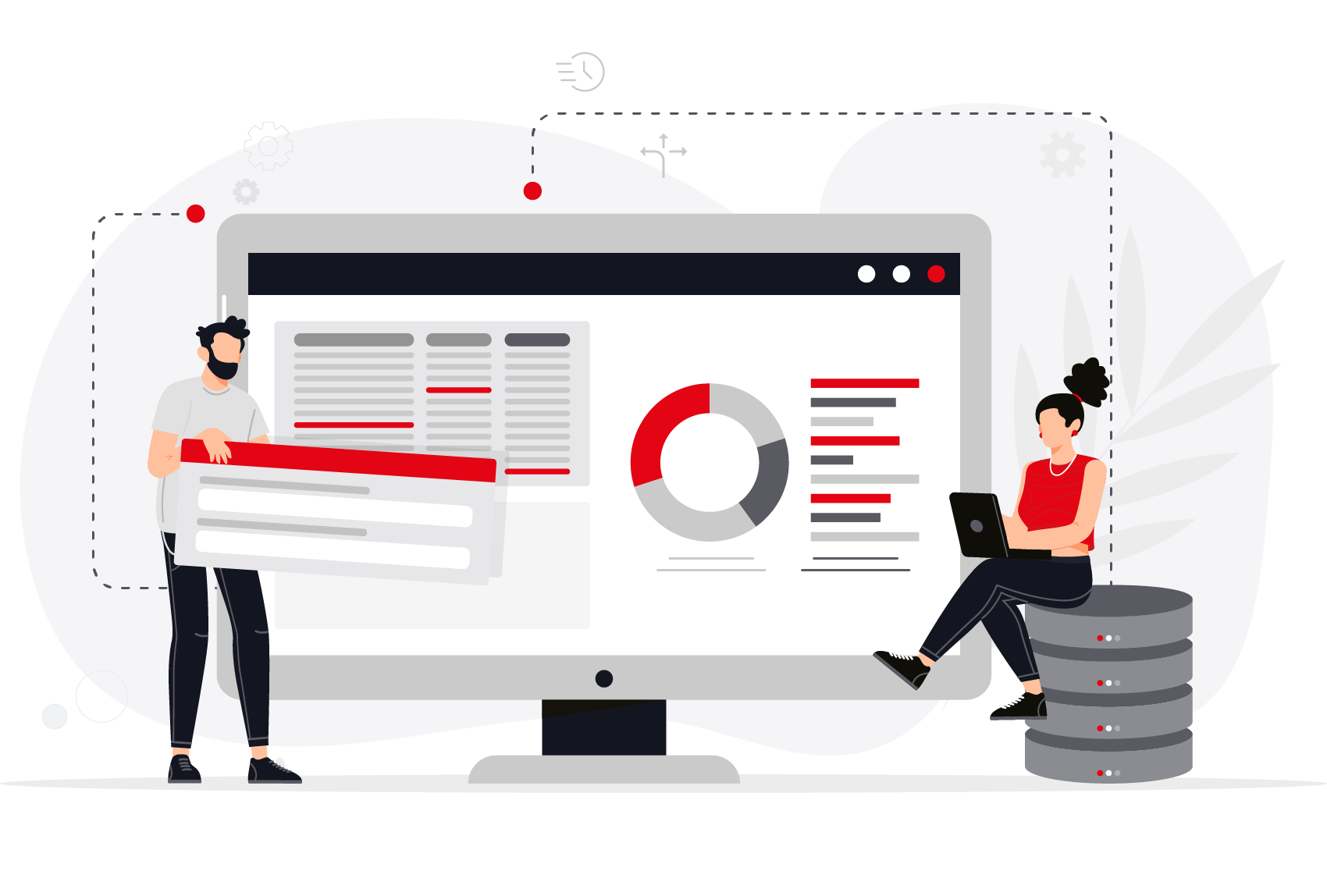
GAPTEQ - the quick and easy way to build database-based frontends

Switch to the fast lane with low-code and easily build your own applications:
With GAPTEQ, developing individual web applications with SQL database access becomes part of everyday life.
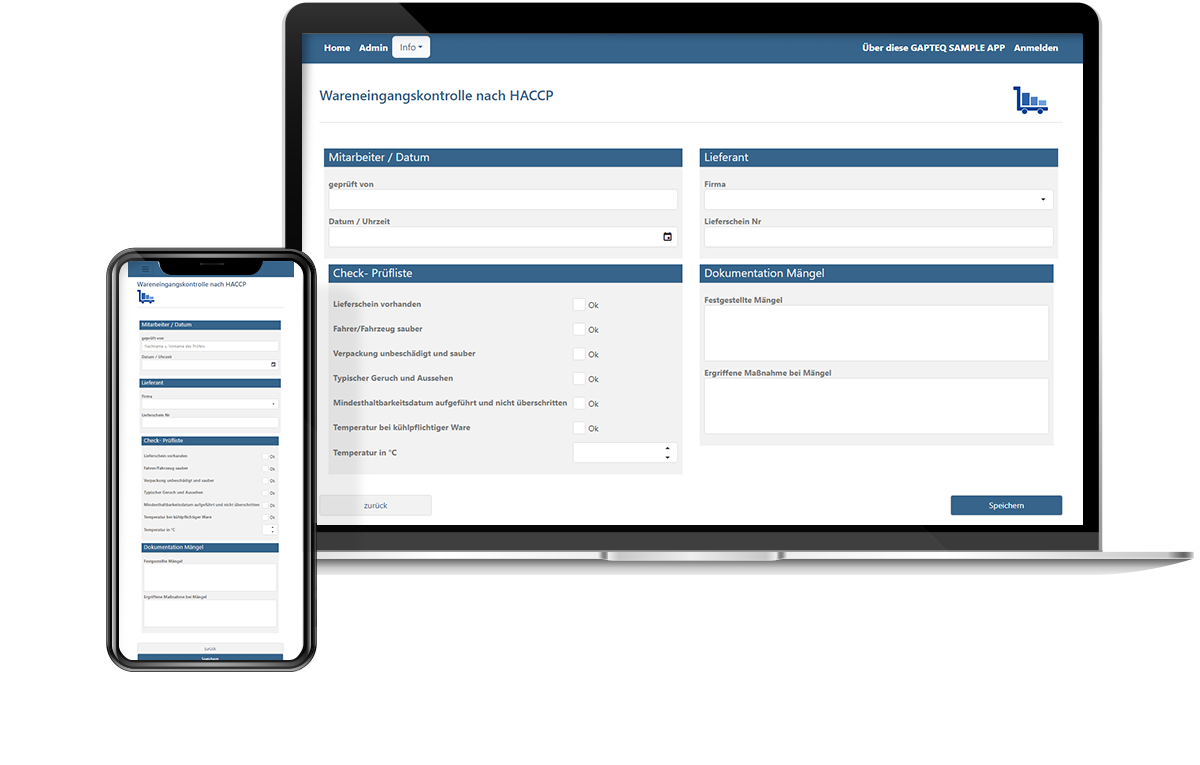
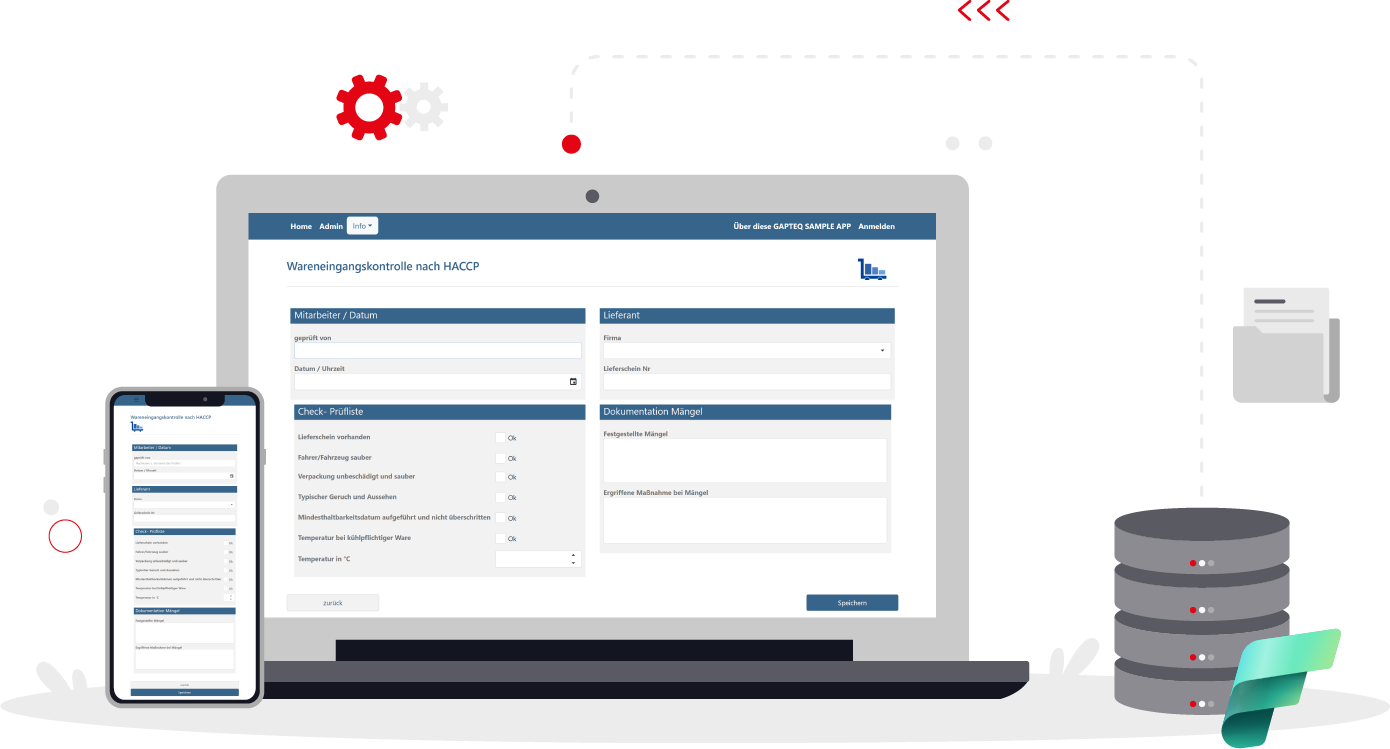
Incoming goods inspection without shadows

Customized web applications for your Microsoft Fabric data

Low-code meets the future of data processing: Create individual business applications directly on the basis of your SQL database in Microsoft Fabric - quickly, flexibly and without programming effort.

RZ_GAPTEQ_graphics_xfabric
Making MS Fabric data smartly accessible

Develop professional applications and use data where decisions are made

Microsoft Fabric is the lakehouse platform for data integration, analysis and business intelligence. With GAPTEQ, you can bring your Fabric SQL data quickly and securely into your day-to-day business: user-friendly and role-based with individual web applications.

Self-service for specialist departments
Flexible workflows
AI support
Real-time data access
icon-low-code

Fast, flexible & scalable at any time

With GAPTEQ, you can implement your ideas and requirements in the shortest possible time. With workflow logic and individual authorizations. Stay flexible, even if requirements change.

icon-headquarters-data

Full control with a central data source

Benefit from a central data source with seamless integration and use data without compromises, complex interfaces or middleware.

icon-gapteq-assist

Intelligent support


Automate tasks and processes with GAPTEQ Assist and save valuable time on recurring to-dos.
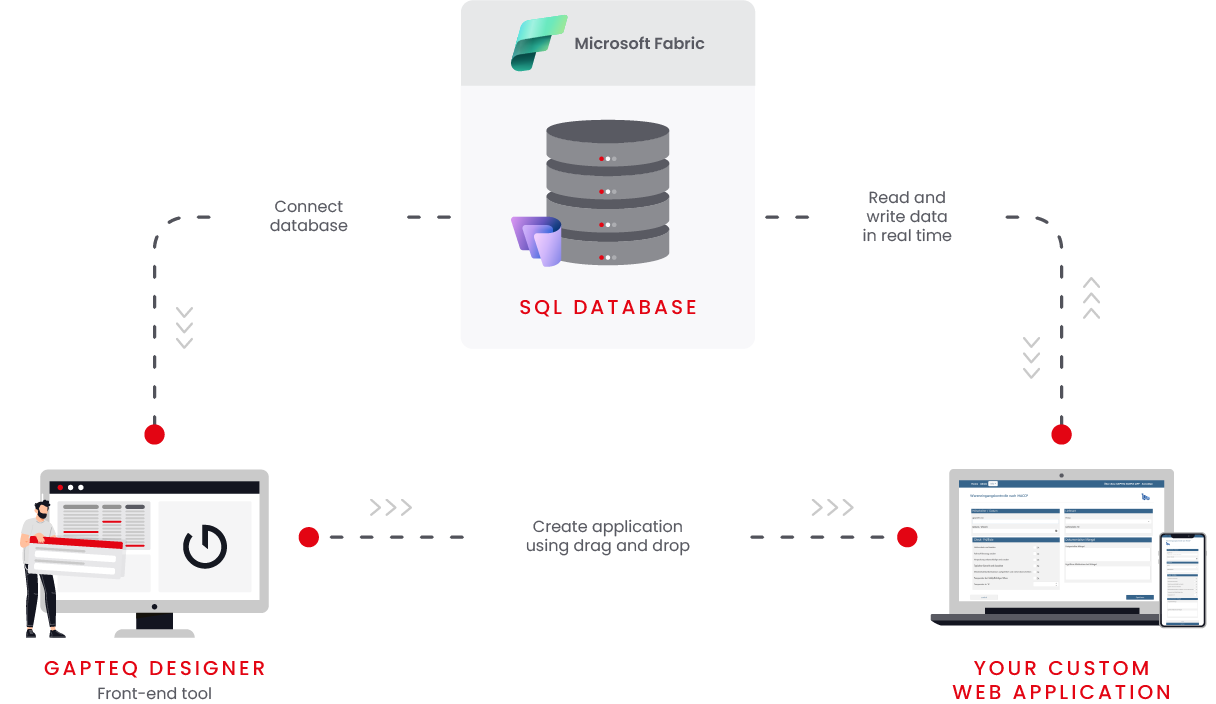
Connect. Design. Use.

It's that easy to create your individual
web application

GAPTEQ_infografik_x-fabric_en
Get more out of your data

GAPTEQ x Microsoft Fabric:
Application examples

Data enrichment & maintenance for the specialist department

Microsoft Fabric stores the data in a structured manner in warehouse/lakehouse tables, such as product catalogs, suppliers, categories, etc. GAPTEQ makes this data editable for specialist departments via data entry forms. This means that new products, properties etc. can be added directly in the web browser. Role-based if required, with validations and mandatory fields.

Role-based workflows & approval processes

While changes such as price adjustments or new promotional products are stored centrally in SQL tables in MS Fabric, GAPTEQ supplements the role-based approval and decision processes ("submitted", "under review", "released"). Workflows can be clearly defined, decisions are documented and automatically forwarded to the right people.

Ensuring data quality

Data quality processes often require manual intervention when incorrect, incomplete or duplicate data records are identified. GAPTEQ enables consistent and transparent data maintenance: users can validate, cleanse or supplement incorrect data to ensure a permanently high level of data integrity.

Master data management(MDM)

GAPTEQ enables efficient management of master data processes: From data entry to verification and enrichment. In combination with Microsoft Fabric, real-time analyses of master data quality can be carried out. This allows inconsistencies to be identified at an early stage and corrected immediately.

Planning scenarios

GAPTEQ can be used to create individual planning applications based on Microsoft Fabric.
Thanks to seamless access to current actual data from the data & analytics platform, planning is based on a reliable database. At the same time, planning values can be recorded and processed directly to support well-founded decisions.

"Thanks to GAPTEQ's compatibility with Microsoft Fabric SQL Databases, we have created a flexible, centralized master data solution. The seamless integration ensures fast and efficient access to high-quality data in data-driven projects."

Florian Bechler, Chief Technology Officer at lead link GmbH

Welcome to the Low-Code Universe

Start now for free!

Start now with your individual low-code application and get more out of your MS Fabric data! The predefined components make it particularly easy to build your first own application. Test us with your own individual project. Register now free of charge!

Try GAPTEQ free for 30 days & then decide what to do next!
bild-lp-kostenfrei-starten-gapteq-allgemein

Everything clarified. Ready for the start.

Your questions. Our answers.

What is Microsoft Fabric?

Microsoft Fabric is a central, cloud-based data platform that combines data processing, analysis and reporting in one environment. It is based on the cloud-based OneLake and seamlessly integrates well-known tools such as Power BI, SQL and Synapse. Put simply, Fabric is an all-in-one solution that allows companies to handle all data processes in one place - without system disruptions.

What data can GAPTEQ access?

GAPTEQ accesses structured tables within the SQL database in Microsoft Fabric. This allows you to work directly with the maintained data, display, edit, add to or release it...
In principle, GAPTEQ can access all released Fabric SQL-DB tables. If required, this access can be specifically controlled: for example, only certain tables or data areas can be released for specific applications or specialist areas.

How is GAPTEQ connected to Microsoft Fabric?

The connection is made via standardized SQL interfaces. GAPTEQ accesses the SQL endpoint of Microsoft Fabric and can read, edit and save structured data directly.

Do I need to be able to program in order to use Microsoft Fabric data in GAPTEQ?

No. With GAPTEQ, you can create applications, forms and screens that access Microsoft Fabric data without programming. This means that specialist departments can also work independently with up-to-date data.

For whom is GAPTEQ in combination with Microsoft Fabric interesting?

For all companies that use Microsoft Fabric as a central data platform and want to make structured data easily available in the specialist area.
Teams in sales, controlling, purchasing or product management who want to display, edit or release data will benefit in particular. GAPTEQ supplements Fabric with a user-friendly web interface and connects central data models with operational business processes.